
Replace an Old DVR Camera System Using the Existing Wires
The house came with a camera system from years ago: blurry cameras, a DVR in a closet with a humming power box, and coax cable already run to every corner.
JMB Builders will replace an old DVR camera system with new cameras using the existing wires where they test good, across the Twin Cities metro and north to St. Cloud. Coax runs can feed HD-over-coax cameras and a new recorder, or carry network cameras with adapters. Bad or stapled runs get new Cat6, often pulled with the old cable. Priced per camera, quoted from photos within one business day.
- Priced per camera swapped
- Old coax tested before it is reused
- New Cat6 pulled where the wire is bad
- Old DVR, cameras and power box removed
- Licensed MN contractor BC809005
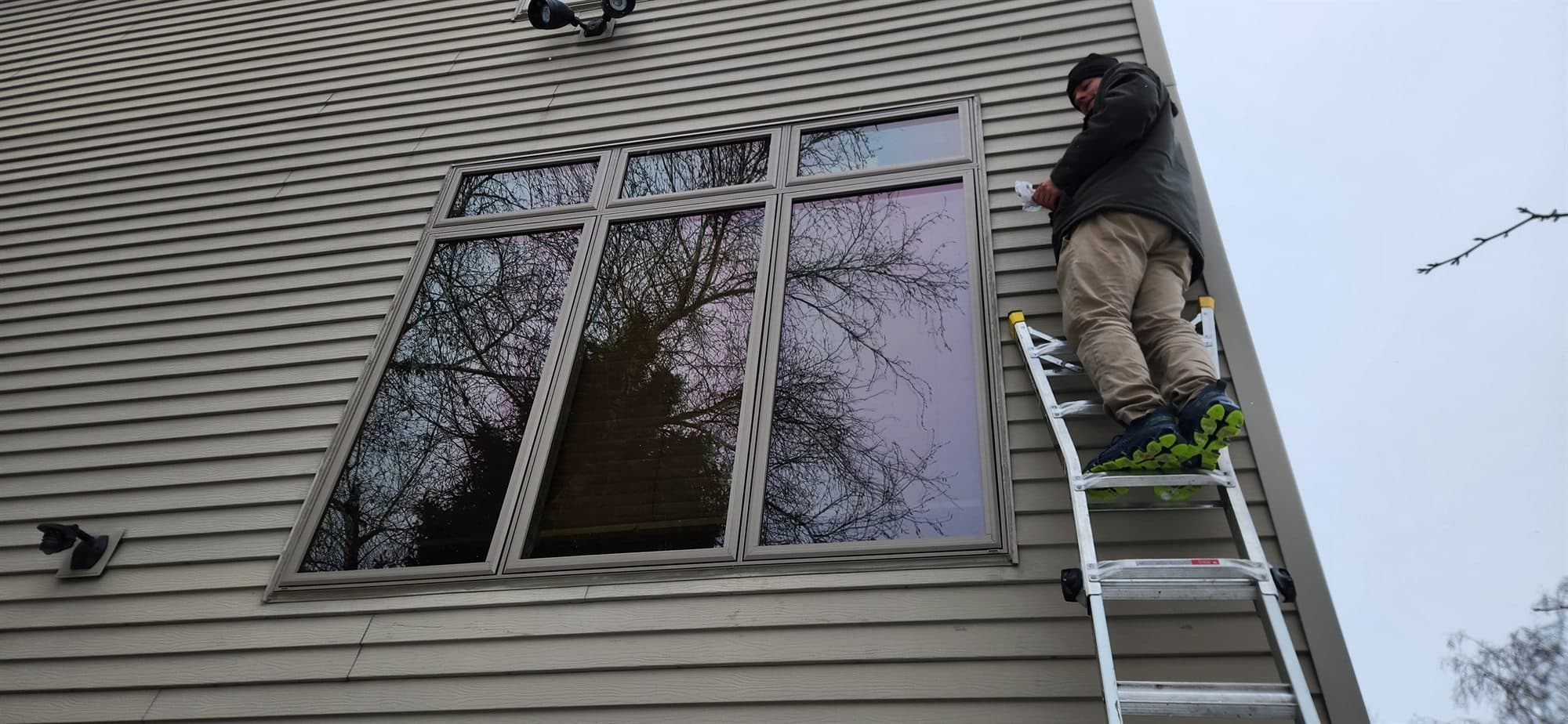
Older camera systems ran coax (usually a combined video and power cable) from each camera to a DVR, with a separate power supply box. The cameras are low resolution by today's standard, and the DVR's hard drive is usually near the end of its life. The good news is the hard part — getting cable through the attic and walls to each camera spot — was done years ago.
There are three ways to reuse it. HD-over-coax cameras and a matching new DVR use the same coax and give a much sharper picture with the least work. Network (IP) cameras can use the coax with a small adapter at each end that carries ethernet and power. Or the coax is used as a pull string to draw new Cat6 through the same path, which gives the most choice of cameras for the future.
We test each old run before deciding. Coax that was stapled flat, cut by a roofer or chewed in the attic gets replaced. Every old camera, the DVR and the power box come out, and the new recorder is set up and plugged in with every camera showing on it.
What you supply
- Photos of the old DVR, the power box and a close-up of the cable at the back of it
- A photo of each old camera, and what you want each new one to see
- The new cameras and recorder, or ask and we tell you what matches your wiring
- Your Wi-Fi and phone for the app setup on the new recorder
What JMB supplies
- Each old cable run tested for continuity and signal before it is reused
- Old cameras, DVR and power supply box removed, mounting holes sealed
- New cameras mounted on new or existing boxes, sealed at the wall or soffit
- New connectors or coax-to-ethernet adapters on runs that are reused
- New Cat6 pulled with the old cable or on a new path where a run is bad
- New recorder set up, every camera labeled and showing on the screen
How it is priced: per unit
Quoted in writing from your photos within one business day. What moves the number:
- Number of cameras and how many old runs test good
- HD-over-coax on the old cable vs. adapters vs. new Cat6
- Attic access to pull new cable vs. finished ceilings with no attic
- Camera spots that move from where the old cameras were
- Mounting surface: siding, soffit, brick or stucco
- Whether the cameras, recorder and adapters are yours or ours
Send a photo of the back of the old DVR and the cable label if you can read it. It tells us what the wire is and what can run on it.
How long it takes
Four to eight cameras on good existing coax: one day. Add a half day when several runs need new Cat6.
How your project works
- 1
Send photos, get a written quote
Send three photos of the space and a sentence about what you want. You get a clear, itemized quote within one business day. We only come out to measure first when the job needs a tape measure — no pressure, no games.
- 2
Pick materials, or bring your own
We help you choose profiles and materials that fit the house and the budget, or match your existing millwork exactly — or you buy the door or trim yourself and we install it. Everything is confirmed before the crew is scheduled.
- 3
Clean, precise installation
The crew shows up on time, protects floors and furniture, and installs with tight joints and consistent reveals. Photos of the finished work go in your job folder.
- 4
Walkthrough and invoice
We walk the finished work with you. If anything is not right, we fix it before we call the job done. Then one invoice, paid by check or direct deposit — no card fees, no payment links.
Situations and options
HD-over-coax cameras
New HD cameras and a matching DVR on the existing coax. Far sharper than the old picture and the least work: the cable stays, the connectors are redone, and old power runs can often be reused.
IP cameras over coax
Adapters at each end let a network camera use the old coax for data and power. Keeps the old cable but lets you pick network cameras and an NVR.
New Cat6 in the old path
The old coax pulls the new Cat6 through the same holes when it is not stapled, or a new path is fished. One cable per camera does power and video, and any PoE camera works on it.
Replace an Old DVR Camera System Using the Existing Wires: questions, answered
Can I use my existing coax wires for new security cameras?
Often, yes. If the coax tests good, HD-over-coax cameras with a matching new DVR run on it directly and look far better than the old cameras. Network cameras can also use it with an adapter at each end. Coax that was crushed, cut or chewed gets replaced. We test each run before deciding.
Do I need to replace the old DVR too?
Yes. The old DVR only understands the old analog cameras, and its hard drive is usually worn out. The new cameras need a new DVR that matches their format, or an NVR if the cameras are network cameras. The old DVR and its power supply box come out.
Is it better to run new Cat6 than reuse the coax?
Cat6 gives the most choice: any PoE camera, one cable for power and video, and easy upgrades later. Reusing coax saves the work of fishing new cable. If the attic is open and the coax is loose, pulling Cat6 with the old cable is often little extra work, so we usually recommend it. If the walls are closed and the coax tests good, reuse it.
Can new cable be pulled using the old camera wire?
When the old cable is loose in the wall and attic, yes: new Cat6 is taped to the end of the coax and pulled through the same path. If the coax was stapled to framing along the way, it will not pull, and a new path is fished. We find out on the first run.
What happens to the old cameras and power box?
They come down. Each old camera is removed, and its holes are sealed or covered by the new camera's base or a junction box. The old DVR and the power supply box are disconnected and removed, and the old power runs are reused or abandoned in place and labeled.
Do you set up the new recorder and phone app?
We set up the recorder so every camera shows on its screen with a label. Connecting the recorder to your Wi-Fi and the phone app is yours; the app walks you through it. If a camera shows on the recorder but not on your phone, it is the app step, and we tell you what to check.
Recent JMB work, from our job log
59 installs recorded across 30 Twin Cities communities since Dec 2025. Window and door installs for homeowners and for the builders and dealers we sub for. Counts come straight from our job log; no customer names.
Get a written quote for this job
Three photos and a sentence is enough. You hear back within one business day. Or text the photos to 763-204-2099.
Related jobs we do
Security Camera Installation — Wired and PoE Home Cameras
You picked the camera system; you need it on the house with the cable hidden, the cameras aimed at what matters and every mount sealed against Minnesota weather.
Read moreOutdoor Camera Mounting and Wiring Through the Soffit
You have the cameras and you know where they should go; what you need is the cable run through the soffit and into the house without a wire dangling down the siding — that is the job on this page.
Read moreCamera and Doorbell Removal and Reinstall for Siding, Paint or Windows
The siding crew starts Monday and there are four cameras, a doorbell and a floodlight screwed to the old siding — taken down the week before, put back on the new wall when they are done, and pointed where they were.
Read moreVideo Doorbell Installation — Ring, Nest and Wired Doorbell Cameras
The doorbell camera is in the box, the old bell button has two thin wires behind it and you are not sure the transformer is big enough — we wire it, mount it and leave it powered.
Read moreAlarm Sensor Installation — Door, Window Sensors, Keypad and Base
The kit came with a bag of sensors and double-sided tape; half of them will fall off a cold window by January — we mount them properly and put the keypad and base where they work.
Read moreDoorbell Chime Not Working With Ring — Chime Fix and Replacement
The Ring or Nest doorbell works on the phone but the chime in the hall went silent, or hums, the day it was installed — a chime kit, a chime swap or a plug-in chime puts the sound back.
Read morePage reviewed September 26, 2026 · JMB Builders LLC, MN license BC809005 · All cameras pages
Where we work
Cameras near you
Based in Zimmerman, scheduling across the Twin Cities metro. Closest first: